
Empowering the Next Generation of Storytellers:
Video Editing for Students
By 2020, kids had more access to screens than ever, but the tools for making videos were either too complex or limited in creative freedom.
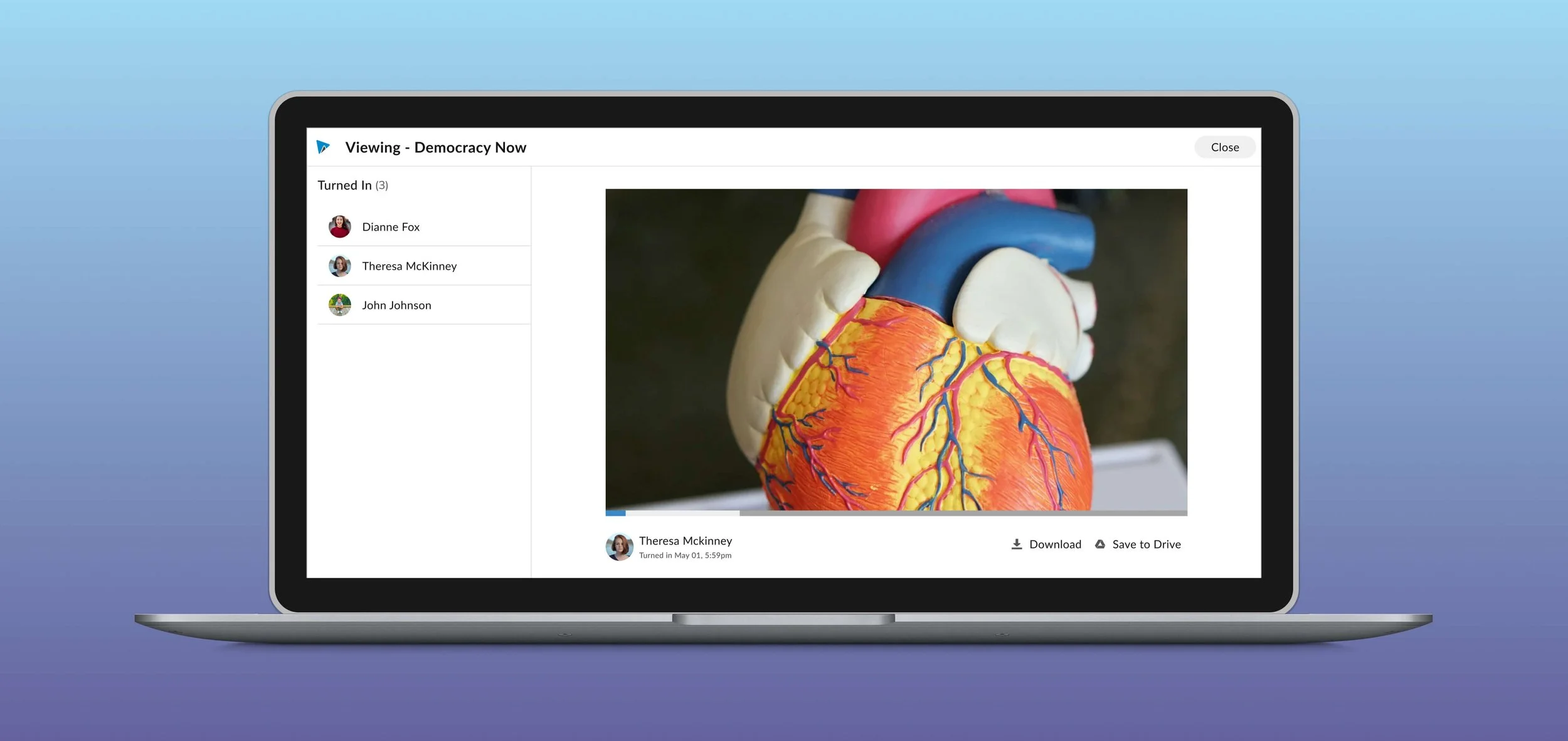
I led the design experience for a kid-friendly video editor that reimagined the editing from the ground up for learning, ease, and expression.
Industry: SaaS, EdTech, B2B, Enterprise
Platform: Responsive Web
Role: Product Designer, User Researcher
Team: 1 PM, 4 Engineers
Timeline: 4 months
Highlights
I was the lead designer in transforming a legacy video editing tool into a seamless, user-friendly experience tailored for kids, enhancing both usability and engagement.
Impact
Increased SUS score by 37%
Increased User Engagement by 8%
Background
Although originally created for the classroom setting 10 years ago, expanding the product to attract more professionals and enterprise clients had accumulated layers of complex features over the years, many of which weren’t relevant or intuitive for kids. The creative tool for telling stories became a confusing experience filled with cluttered menus, unfamiliar terminology, and too many steps. Young learners stuck, overwhelmed, or needing constant help from their teachers to use WeVideo.
Problems
Cluttered and Confusing Interface/ intimidating
The layout displayed too many tools at once, with little visual hierarchy, making it difficult for students to know where to begin.
Professional Jargon, Minimal Guidance
The editor used advanced terminology like “track locking” and “keyframes” without offering intuitive icons or hints
Overwhelming Experience for Young Users:
The platform lacked scaffolding for first-time editors, presenting too much complexity up front and failing to support typical student workflows and advanced features which caused teacher and sometimes Customer Service intervention.
Opportunity
Students need a simplified, intuitive video editing experience tailored to their skill level and classroom needs. By tailoring WeVideo to provide age-appropriate language and a focused toolset, we can transform video creation from a daunting task into an engaging, empowering, and fun learning experience.
Business Goals
Enhance Brand Perception
Shift perception from a complex, pro-level tool to a versatile, education-friendly platform that supports learning through creativity.
Reduce Support Costs
Minimize student and teacher reliance on customer support or IT help by improving usability and guardrails/ guidance.
Improve User Retention
Reduce friction in the student experience to encourage continued use and engagement over time.
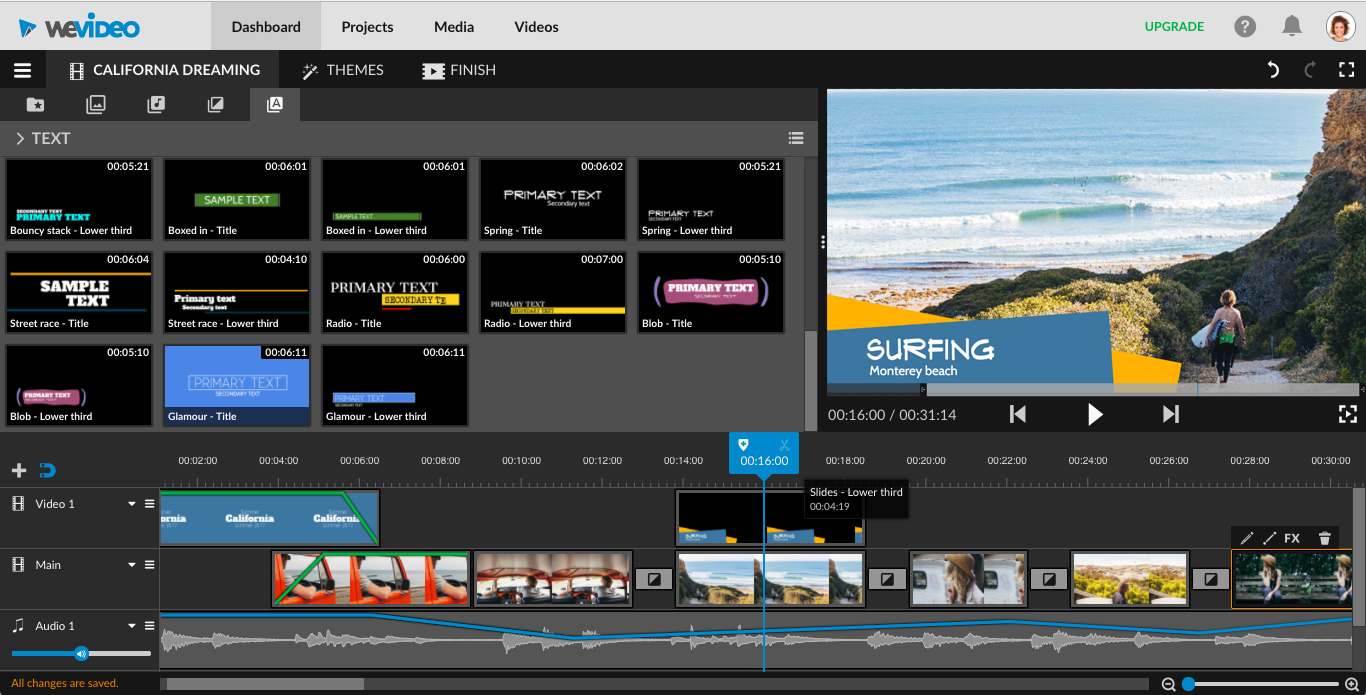
After
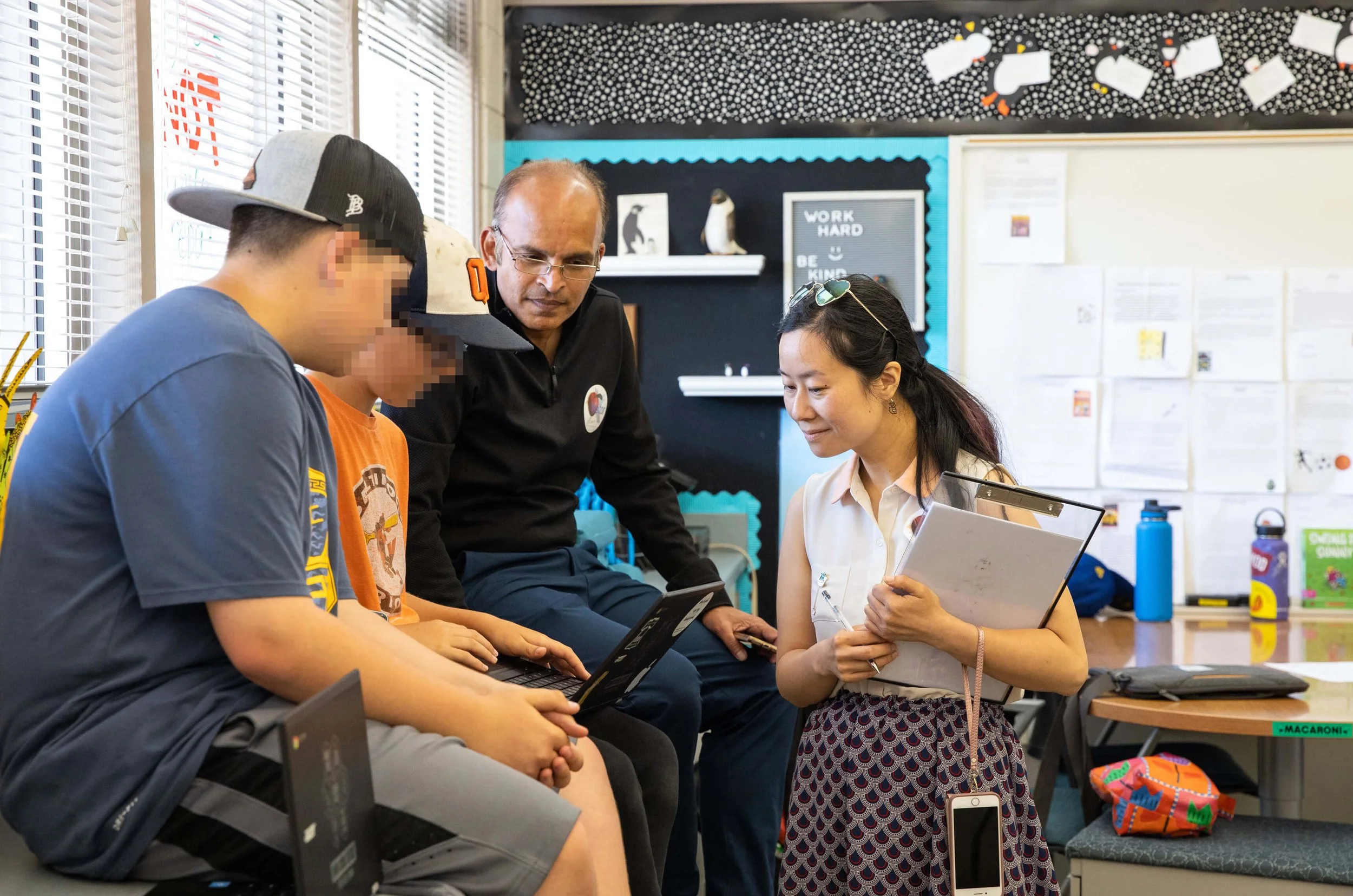
Usability Testing
I identified key friction points early, rapidly prototyped a solution, and tested with our Education Ambassadors.
Main takeaways
Users skipped key steps we thought were intuitive, highlighting where clearer guidance or design cues were needed.
While users said the feature was useful, testing showed they struggled to find or use it. This highlighted the need for better discoverability.
A minor copy change and a repositioned button reduced task completion time by 40%, showing how small UX shifts can have a major impact.
After design updates with clearer next-step navigation, there was a 30% increase in task success rate
Final Design
Before
Impact
Increased NPS score by +33
After just six months, I successfully launched WeVideo Classroom, receiving enthusiastic feedback and strong engagement from Education Ambassador community. The initiative was recognized by C-suite leadership as an “exemplary project” that set a new benchmark for future company-wide efforts.
A completely new codebase, enabling support for the latest technologies, performance enhancements, and future feature scalability.
I drove the creation of a fully accessible, brand-new design system, collaborating closely with Accessible360. Their audit confirmed the product met industry standards for inclusive design, establishing a new accessibility baseline at WeVideo.
Learnings & Problem-Solving
Faced with ambiguity and tight deadlines, we operated in a lean, fast-paced environment, prioritizing high-impact solutions to keep momentum without losing sight of long-term quality.
When time zone and communication challenges arose with our engineering team in Romania, I introduced video demo walkthroughs for developer handoffs and feasibility questions. This approach dramatically decreased friction and increased team alignment.
With a fixed timeline, we had to critically evaluate the scope of our selected user journeys. We made strategic compromises, choosing to launch a beta with select users to validate assumptions and minimize risk before the full launch.