
Closing the Feedback Loop:
Designing In-Context Teacher Feedback in WeVideo
Industry: SaaS, EdTech, B2B, Enterprise
Platform: Responsive Web
Role: Product Designer, User Researcher
Team: 1 PM, 3 Engineers
Timeline: 2 months
Background
Forced to leave time-based, nuanced feedback outside the editing experience leads to confusion, inefficiency, and missed learning opportunities.
My role
As a Senior Product Designer on WeVideo, I led the design of an in-context feedback system that enables teachers to give precise, timely guidance directly within student video projects and transformed feedback from an afterthought into a core part of the learning experience.
Highlight
I led the design of an in-video commenting system that allowed teachers to leave contextual, timestamped feedback directly within student video projects—bridging the gap between creation and evaluation.
Impact
Increased User Engagement by 8%
Problem
Video assignments were increasing in popularity, but the feedback process lagged behind.
Teachers gave feedback after submission, often disconnected from specific moments
Students struggled to interpret and apply vague comments
Feedback lived across multiple tools (LMS, docs, verbal notes)
👉 Core breakdown:
Feedback was not embedded in the creative process.
Opportunity
Bring feedback directly into the creative context where learning happens.
Opportunity
Reimagine feedback as continuous, contextual, and actionable.
Instead of treating feedback as a final step, integrate it directly into the editing workflow:
Tie feedback to specific moments in time
Enable iteration before final submission
Reduce friction for both teachers and students
Discovery & Insights
Methods:
Teacher interviews (K–12, across subjects)
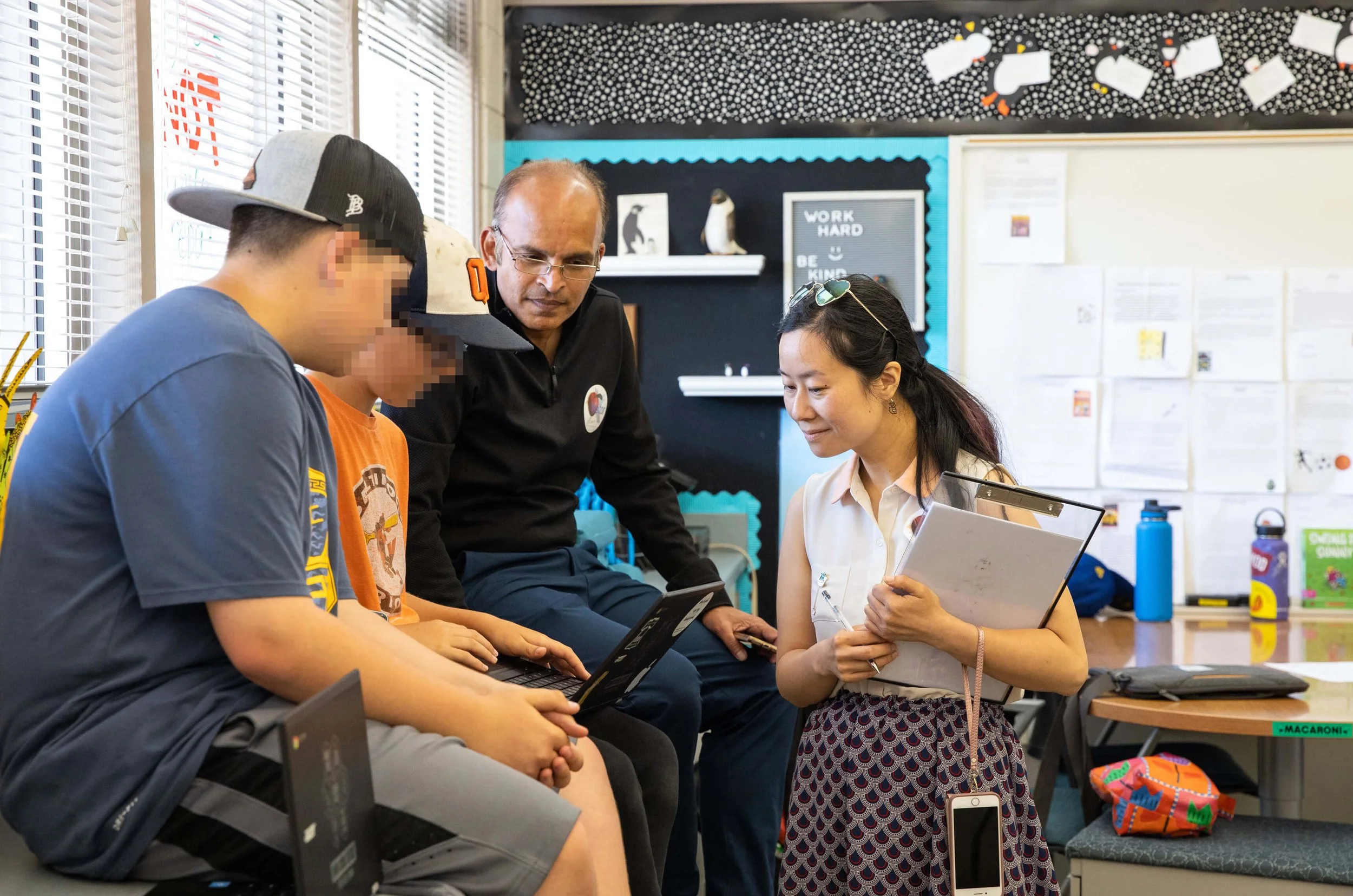
Classroom observation sessions
Feedback audit across LMS tools
Usability testing on existing review flows
Key insights:
“Feedback needs to point, not describe.”
Teachers wanted to show exactly where something went wrong or right.Students value specificity over volume.
A few precise comments were more actionable than long summaries.Timing is everything.
Feedback tied to exact moments dramatically improved comprehension and iteration.
Defining the Experience
We reframed the problem:
How might we make feedback feel like a natural extension of the editing process, not a separate task?
Core principles:
Contextual → anchored to time or frame
Lightweight → fast for teachers to leave feedback
Actionable → easy for students to respond and revise
Non-disruptive → doesn’t break creative flow
The Solution
✨ Timestamped, In-Video Commenting
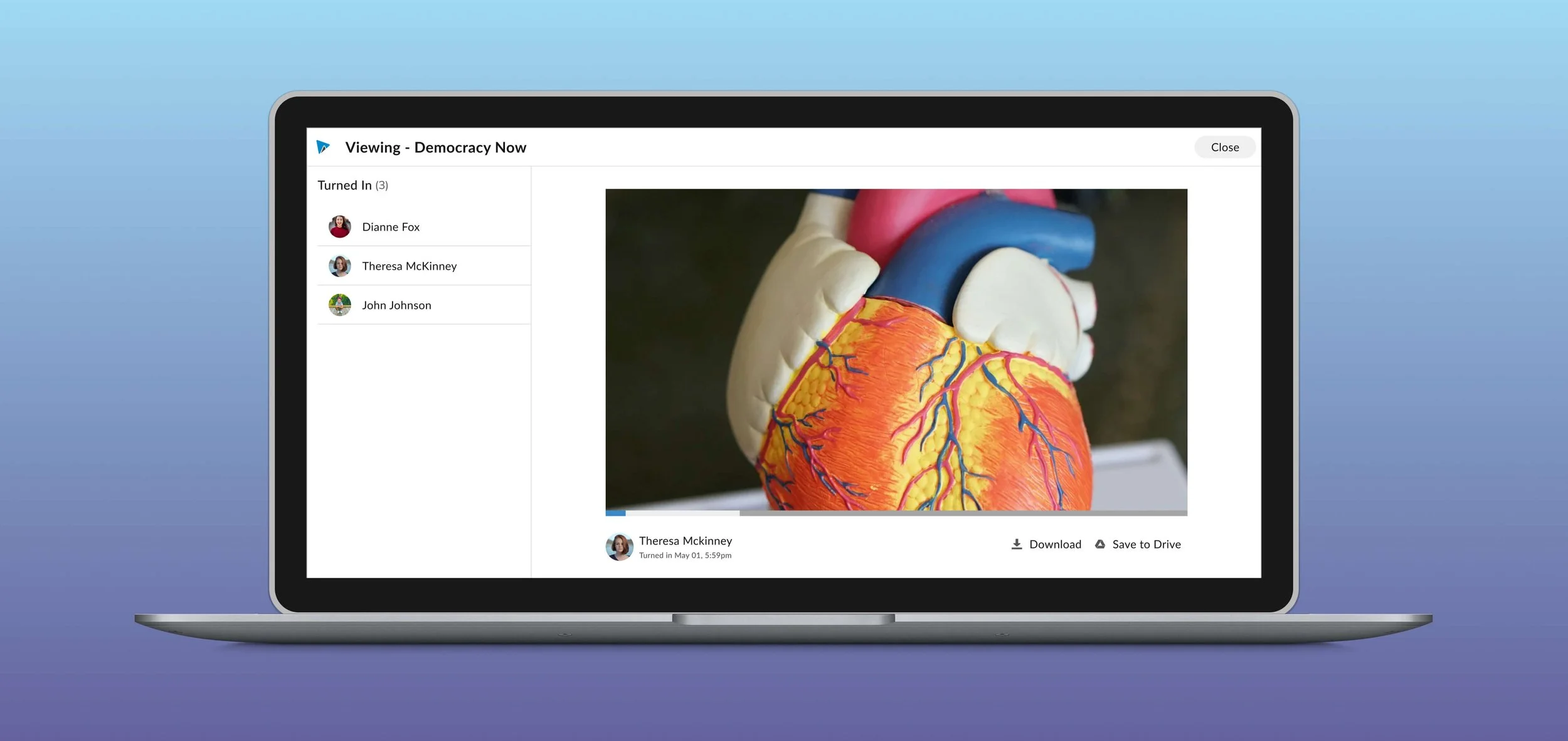
Teachers can click anywhere on the video timeline to leave a comment tied to a specific moment.
💬 Contextual Threads
Students can reply, resolve, or iterate directly on feedback—creating a dialogue instead of a one-way critique.
🎯 Visual Anchors on Timeline
Comment markers appear as pins on the timeline, making feedback scannable and navigable.
🔁 Feedback → Revision Loop
Students can jump from a comment directly to editing that moment, tightening the learning loop.
Design Challenges & Tradeoffs
1. Precision vs. Simplicity
Early designs allowed frame-level commenting but overwhelmed users
Final solution balanced precision with usability via snap-to-playhead interactions
2. Visibility vs. Clutter
Too many comment markers created noise
Introduced progressive disclosure and filtering (e.g., unresolved only)
3. Teacher Speed vs. Depth
Designed quick comment entry with optional expansion (rubrics, longer notes)
Impact
For Teachers:
Reduced grading time
Increased quality and specificity of feedback
More scalable critique workflows
For Students:
Clearer understanding of feedback
Faster iteration cycles
Increased engagement and ownership
Product Outcomes:
Increased assignment completion rates
Higher teacher retention in classrooms using video assignments
Established foundation for future collaboration features
What I Learned
Context is everything in learning tools.
Embedding feedback directly in the artifact transforms comprehension.Constraints create clarity.
Limiting how feedback is given (timestamped, concise) actually improved quality.Designing for classrooms means designing for time pressure.
Every interaction must respect the reality of a teacher’s day.
Why This Matters
This feature didn’t just improve a workflow—it reshaped how feedback functions in creative learning environments. By collapsing the gap between doing and reflecting, we enabled a more intuitive, immediate, and human learning experience.
Final Design
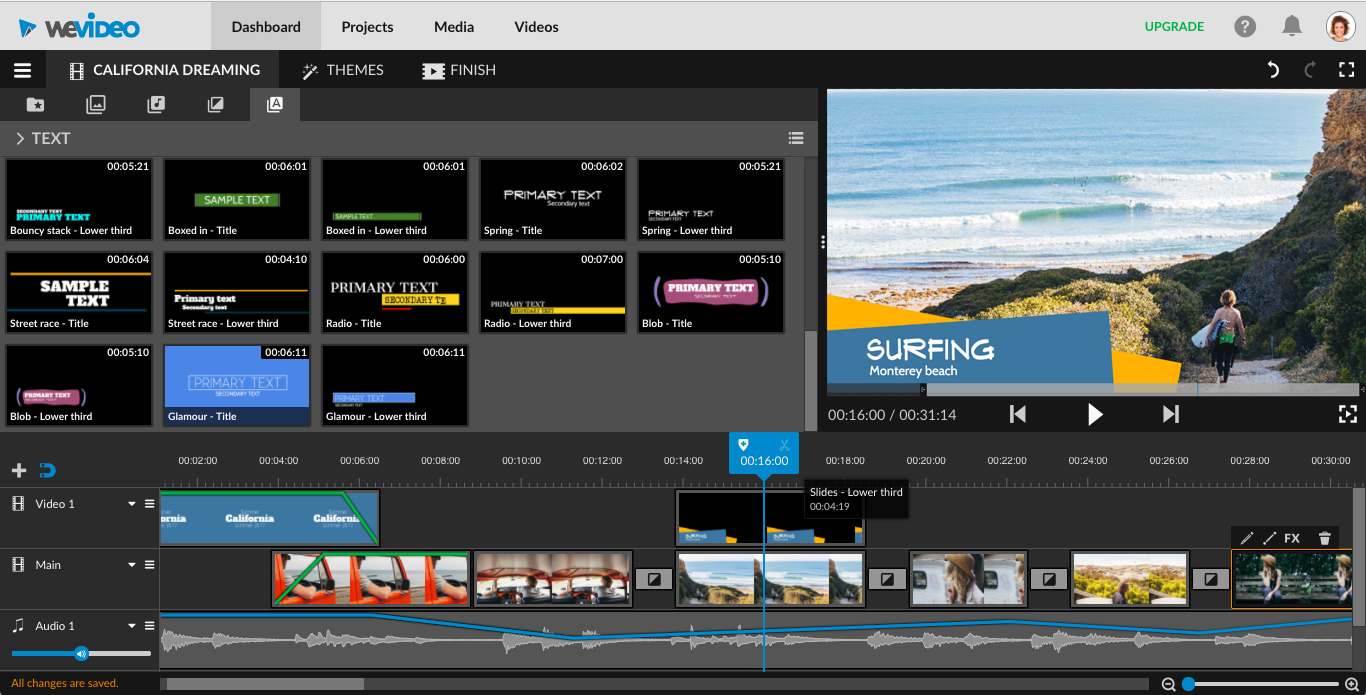
Before
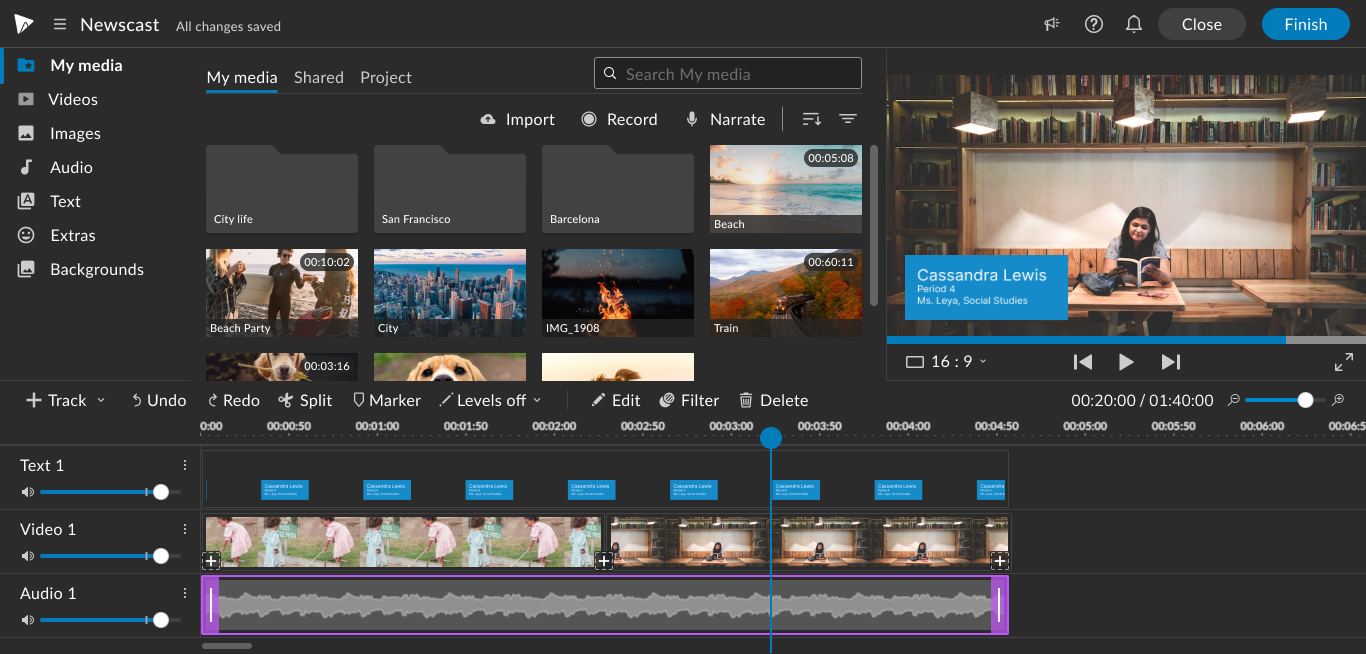
After
Outcome
With the launch of the simplified student editor in February 2024, the SUS score increased by 37 and an 8% increase in user engagement.
Impact
Increased SUS score by 37%
Increased User Engagement by 8%